This website uses cookies
This website uses cookies. For further information on how we use cookies you can read our Privacy and Cookie notice

This website uses cookies. For further information on how we use cookies you can read our Privacy and Cookie notice
/product/00/1879642/1.jpg?1622)
/product/00/1879642/2.jpg?9421)
/product/00/1879642/3.jpg?9421)
/product/00/1879642/4.jpg?9421)
/product/00/1879642/5.jpg?9421)
/product/00/1879642/6.jpg?9421)
1 units left

Free return within 7 days for eligible items.Details
Pilot Burj Technologies
94%Seller Score
78 Followers
Shipping speed: Good
Quality Score: Excellent
Customer Rating: Excellent
The HP EliteBook 6930p sets a new standard for
on-the-move productivity with all-day battery life19
and business-rugged features. With a starting
weight of only 4.7 lb/2.1 kg, this newly-designed
notebook meets the military standard MIL-STD 810F
for vibration, dust, humidity, altitude, and high
temperature
HP still enjoys a good reputation with professional users and business customers. In order to still be able to score points in the high-quality segment in particular, the American manufacturer has established the EliteBook series, which still positions itself above the well known Compaq models when it comes to performance as well as robustness and case quality. We start off with the HP EliteBook 6930p as the first model to be reviewed by us, a compact 14-inch device with high-quality equipment. Read here what you can expect from the pro-laptop.
Aluminium is in - not only in the lifestyle products from Apple but also in the high-value business laptops, for example the EliteBooks from HP. Indeed HP makes do with furnishing the laptop with aluminium applications on the surfaces, which is different to the Californian designer. On the inside of the base unit as well as on the case hull a no less high quality magnesium alloy comes into play. When it comes to haptics the EliteBook 6930p already holds all the aces. The blank, brush-finished aluminium on the display lid and wrist rests feels very good, and gives off a cool business feeling.
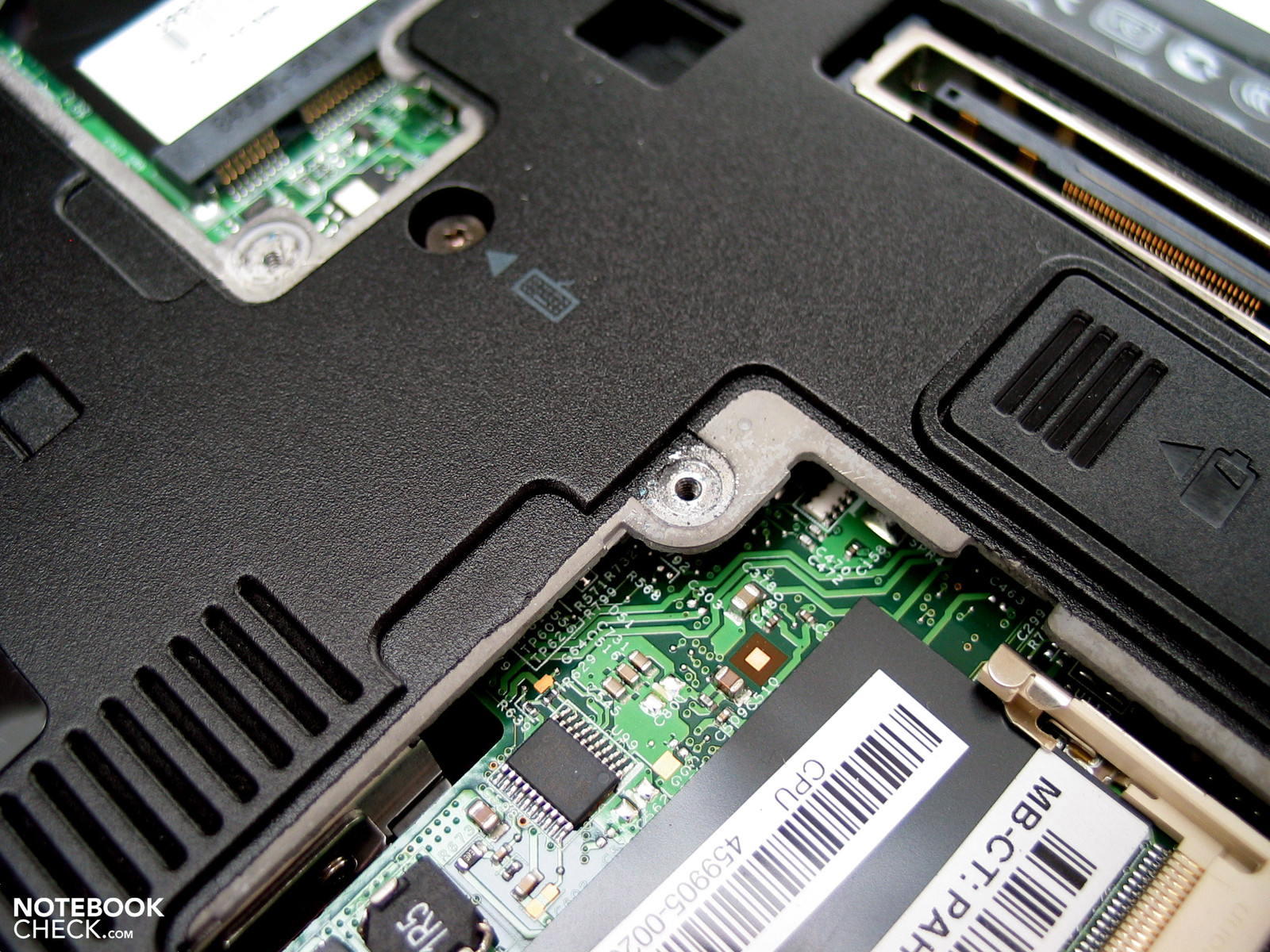 Stable magnesium case hull
When it comes to the deployed materials it also isn't surprising that the case comes off brilliantly with regard to stability. The device can randomly be seized and picked up from all corners and ends including from the display. At the same time distortions are rarely to be seen and crunching noises completely fail to appear. Even when you examine the laptop more carefully and look for possible manufacturing weaknesses, no weak points are noticeable. The clearance positions proved to be thoroughly consistent, and shaky components are looked for in vain – with one exception: the battery.
To our amazement this unbelievably sat loosely in the appropriate case recess. Especially on the side of the ejection mechanism the deployed battery can clearly move and can be pulled out of the case by up to two millimetres until the locking mechanism took hold. For a business laptop of this price range this is a rather inglorious slip-up.
Also the locking mechanism of the display wasn't really to our taste. Two appropriate spikes fixed to the top border of the display are met by two not particularly well designed openings in the areas where the wrists rest. In order to lock the device, strong direct pressure on the display is required. Also the background noise present comes across as not very elegant.
Apart from the obligatory docking port, the required interfaces for a business laptop are barely different from those of a multimedia laptop. The HP EliteBook 6930p shows this connection option also on its underside. The connection for a dockable additional battery on the underside, which is standard for the HP business laptops (apart from the ProBook!) is added. HP offers different battery solutions, which are fitted externally on the case, which can in parts significantly extend the battery life of the laptop. Indeed you'll find out more in the battery section.
Consequently you'll only find standard ports on the device. There are three USB interfaces, Firewire, a modem, and a LAN connector as well as an analogue VGA port on the rear of the laptop. Of course headphone and microphone ports belong to the standard equipment. Unfortunately a digital video interface is done without, for instance a display or HDMI port directly on the device. If you want to save the cost of a docking station yet you want to connect an external monitor to the laptop, there's just the built-in VGA connection. In the test at a resolution of 1920x1200 pixels on our 24-inch test display (Dell 2408 Wfp) this produced an acceptable and thoroughly fit for work picture. Indeed this cannot keep up with the quality of a digital video interface.
Regarding the positioning of the individual interfaces it should be noted that they are limited to the rear area of the right-hand side of the case as well as the middle area of the left lateral edge. For this reason there are slight advantages for right-handed people but also left-handed people should generally get on well with the EliteBook 6930p. Ports which are potentially permanently occupied for example the VGA output and the connection for the power supply are fitted on the rear of the device.

This product has no ratings yet.
/product/00/1879642/1.jpg?1622)
